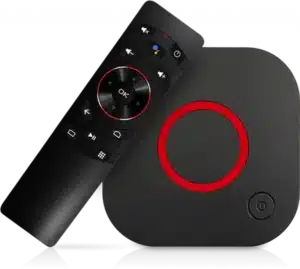
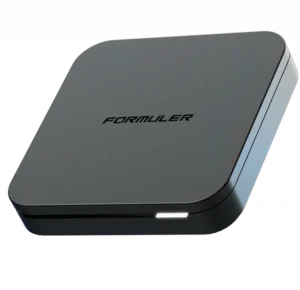
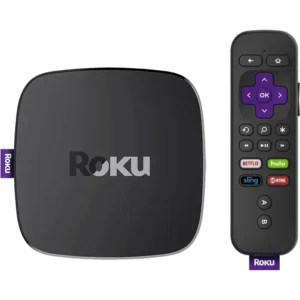
With our IPTV subscription, you can access over 25,000 live TV channels and more than 120k movies and TV shows (VOD) directly on your TV, TV box, smartphone, or tablet.
To perform the setup on a Firestick, you need to download the Downloader app, enable apps from unknown sources, and then install an IPTV player like IPTV Smarters or TiviMate using your M3U link.
IPTVon works using M3U playlists or Xtream Codes login, compatible with top IPTV apps like IPTV Smarters Pro, TiviMate, and Smart IPTV. It supports all major devices including Firestick, Android TV, Smart TVs (Samsung & LG), iOS, Windows, and more.
What is the difference between M3U and Xtream Codes setup?
An M3U setup usually involves a long URL link that contains your playlist, while an Xtream Codes setup uses a server URL along with a unique username and password for a more organized experience.
Can I do the IPTV setup on multiple devices?
Yes, once you have your credentials, you can follow the setup steps for iOS, Android, Windows, and Smart TVs. However, ensure your subscription plan allows for multiple simultaneous connections.
Discover what our customers are saying about Us. Read real reviews from satisfied users about our exceptional service, high-quality streaming, and 24/7 customer support.
NO MORE HASSLE with IPTV service, if you aren’t satisfied within the first 30 days you’ll get a full refund.